Today I'm pleased to announce the Znote 1.0 💫, a super versatile Markdown code editor! 🎉🎉
Shared with the Dev.to community in 2020, 🥰 the positive feedback I received since then motivates me to push forward (many thanks again 🙏). I'm coming after months of HARD WORK, with a robust version dedicated to all your daily code usage.
Reminder: What is Znote
Znote is a Markdown editor, designed to be your best companion 🫂 for prototyping and making scripts. The missing piece for JS developers in data exploration, offering a solid alternative to Jupyter in the Python ecosystem.
The approach
Promulgate an innovative and empirical approach that consists to write code and documentation in the same place. In this app, you can quickly play code block, exploiting results, and put around all the necessary information in Markdown.
Easier to read and share than a raw code script, you will take pleasure to organize and share your work.
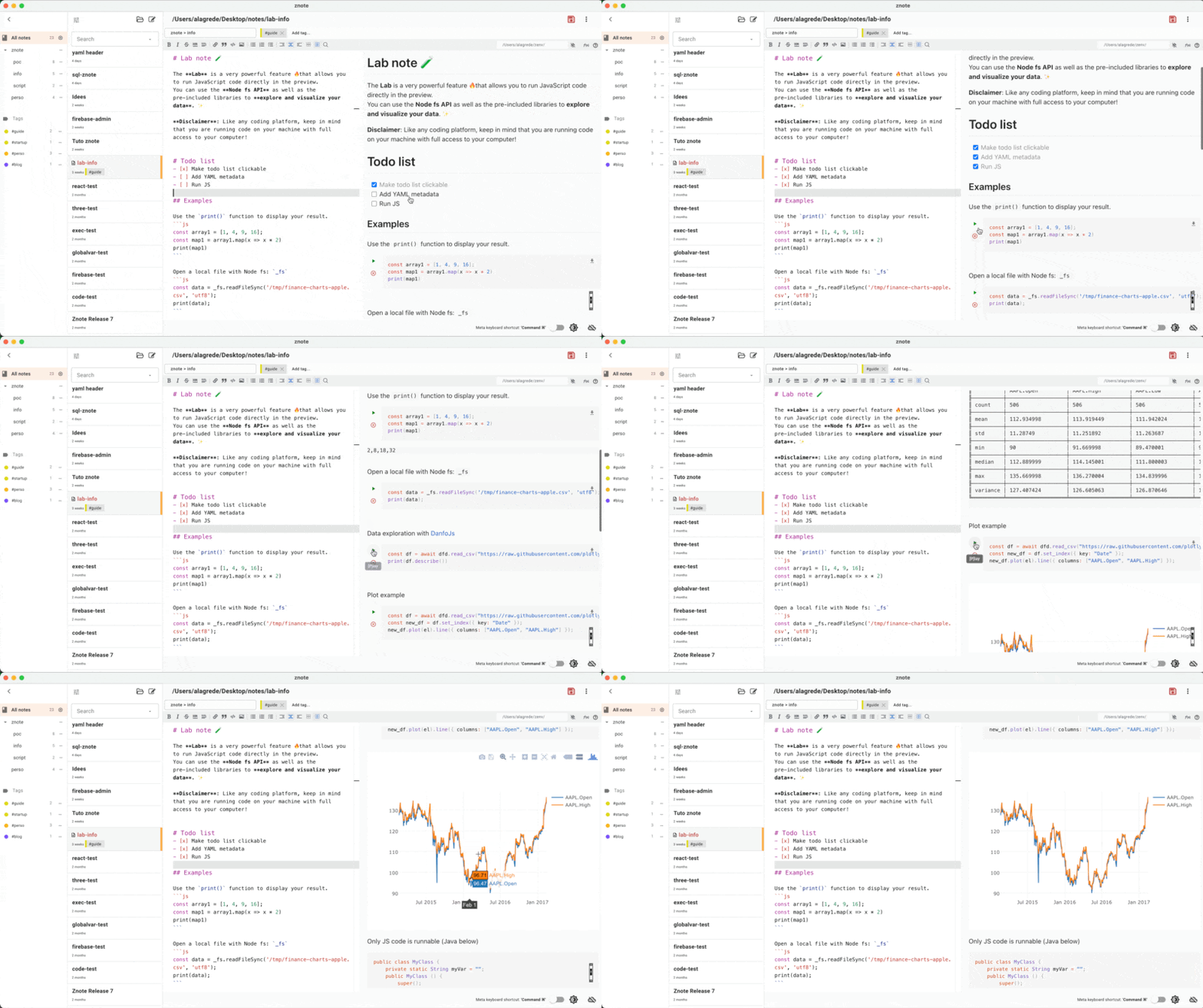
I honestly love to use it. 🤗
What's new?
For this new version, I come with advanced features to cover intensive and professional usages. I use Znote advantageously as a replacement for various software such as SQL client, Postman or Notepad++, but also as a main tool to create and test Node scripts.
To correctly achieve this:
✓ I entirely reviewed the backend code and the UI to be more cleaner, usable and robust
✓ Add a dynamic customizable code completion
✓ Also, add Markdown shortcuts and completion
✓ A new Right context menu with commands to transform selected text (will be dynamic in the future)
✓ A builder to create shortcut functions callable in code
✓ Add the possibility to add and use external NPM packages
✓ Run code with an external Node installation
✓ Export code as scripts and Diagram as SVG
✓ Export the entire note as PDF, HTML...
✓ Add various Magic comments
✓ A new horizontal layout for the preview (useful for some code use cases like SQL)
✓ More themes to customize the app
✓ A more performant search box
✓ An internal database to optimize memory
And so many things...
ℹ I am also including in this list some features developed in the very latest preview versions
And it's really powerful...
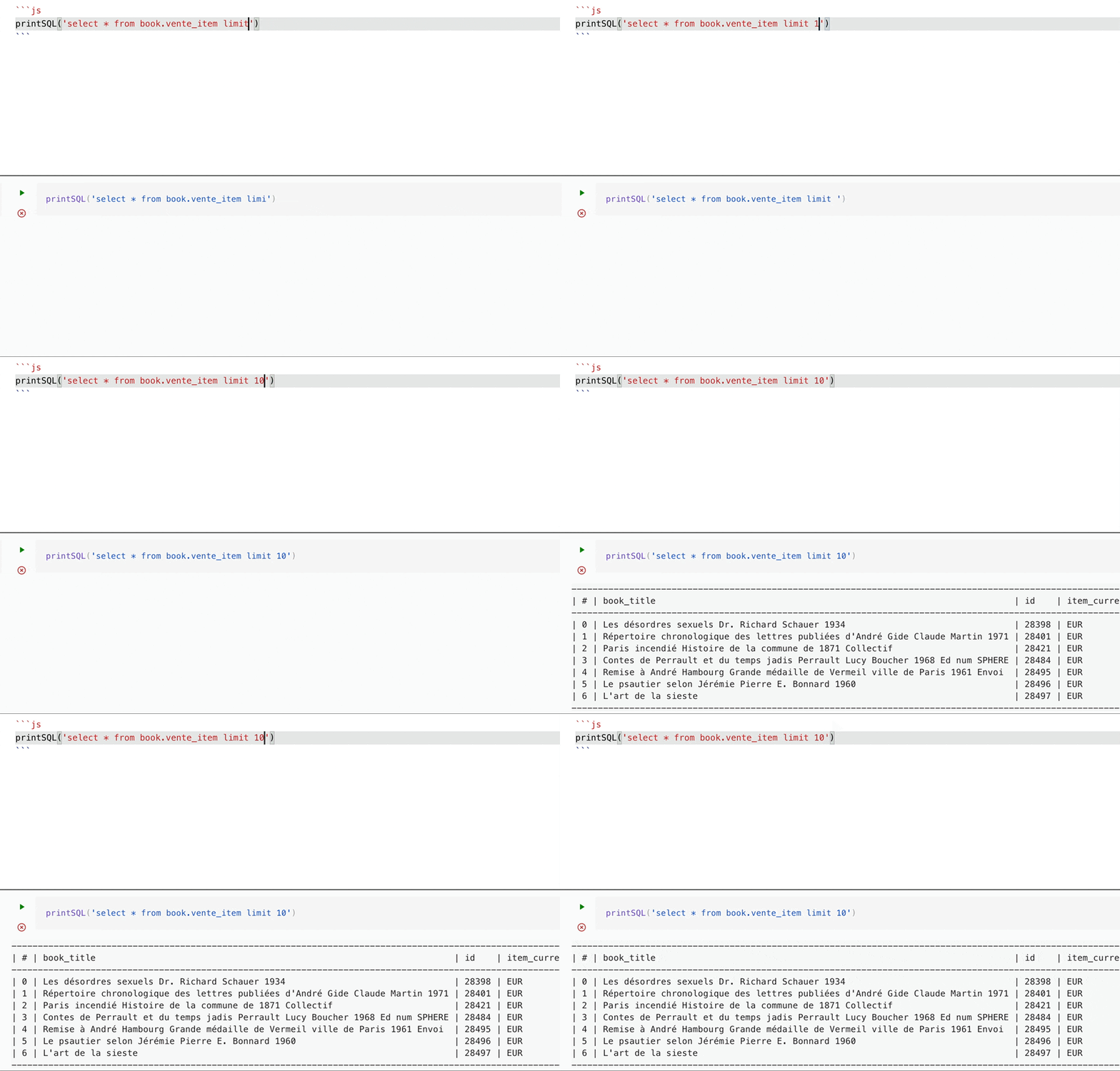
Create easily an SQL client, Postman...
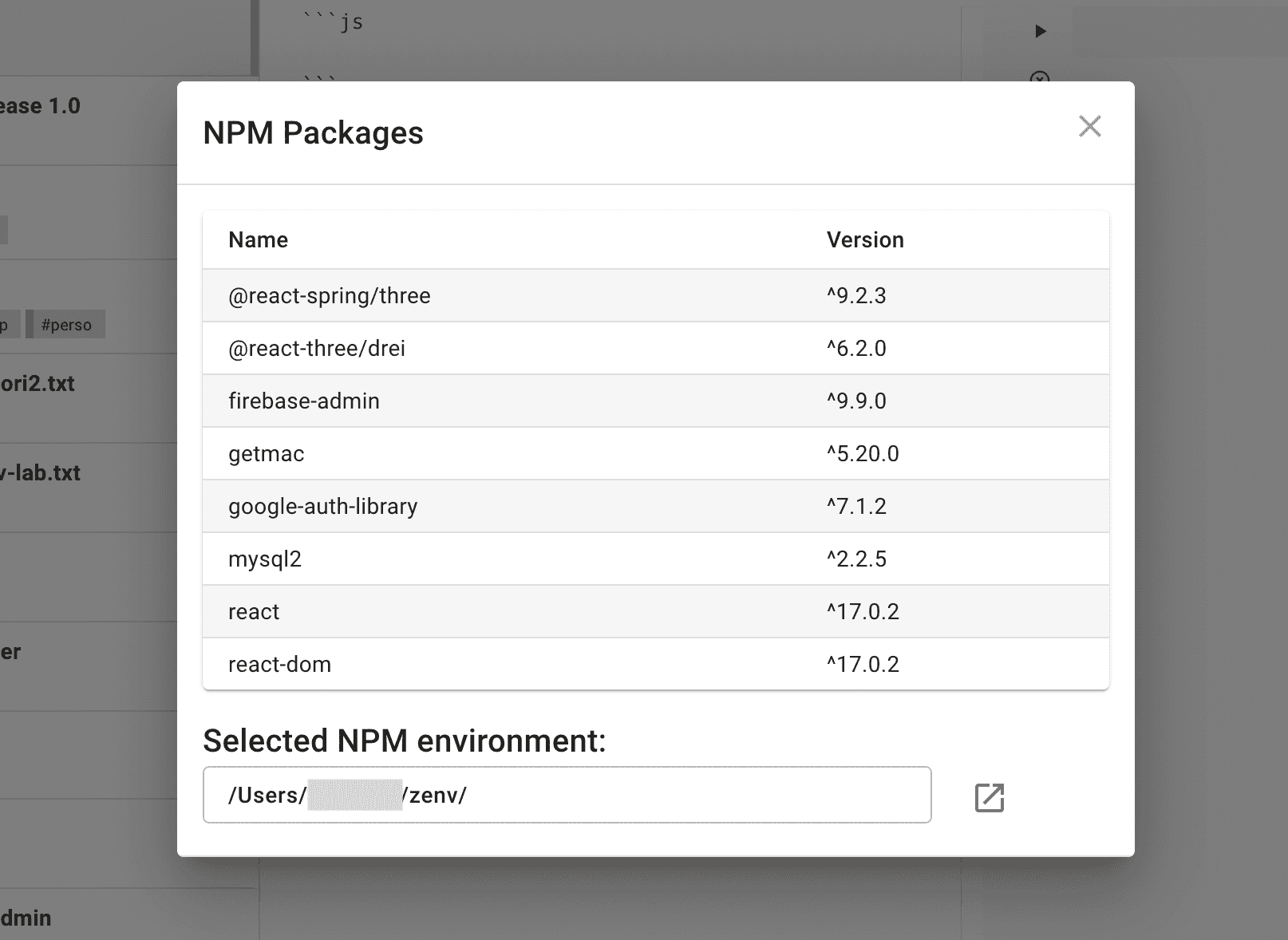
Add your NPM packages and create shortcut functions to create your perfect dedicated tool.
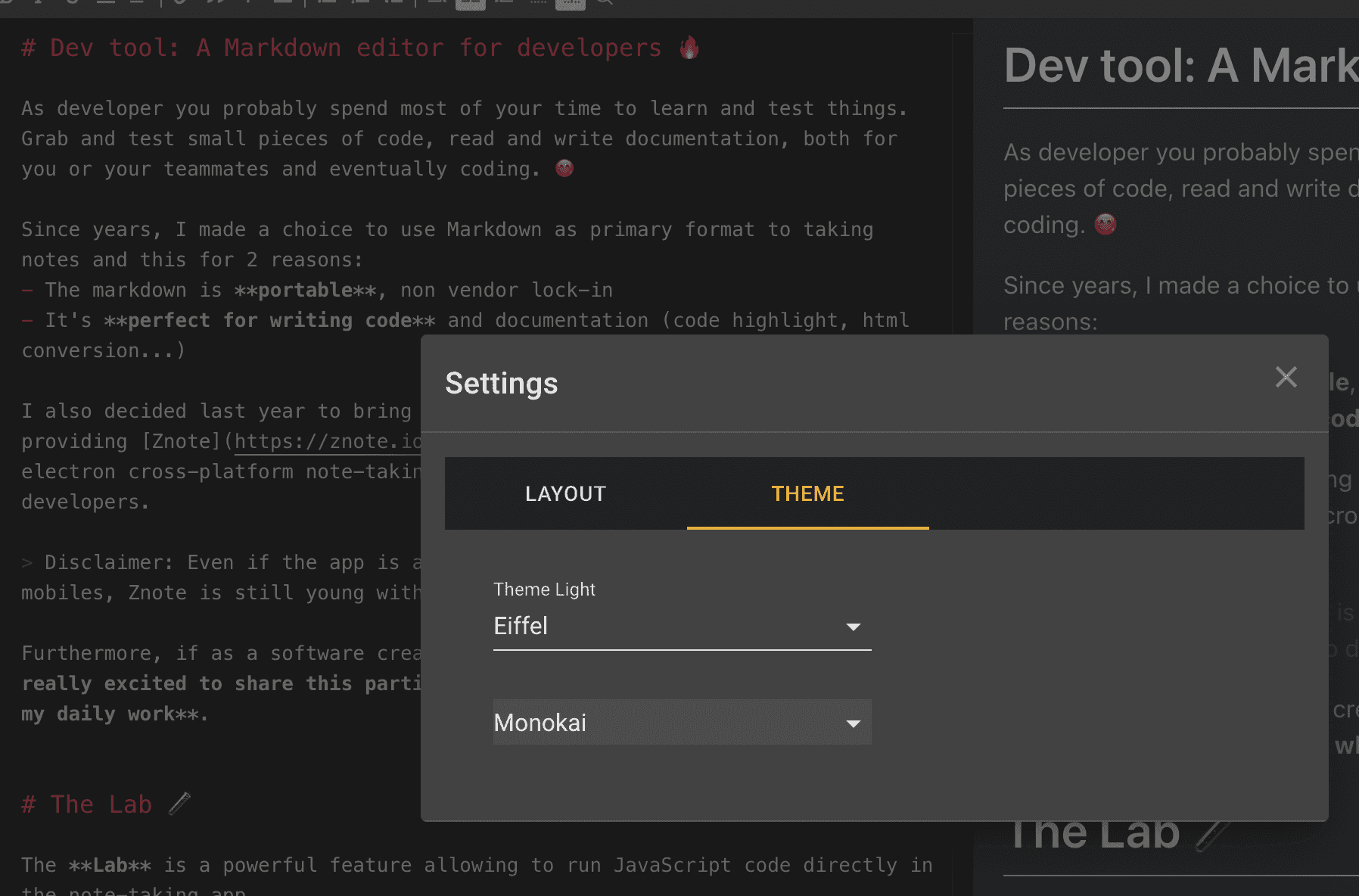
More themes are available to enhance the experience
And Now?
I now plan to integrate recipes to load via an open marketplace, to safely add useful functions and commands to Znote. I'm also investigating to add automatic Jobs, tabs, a valid EV certificate...
Because a software is never finished 😅, I also finally decided to introduce some paid features, like NPM packages (mainly to cover advanced use cases) to help me to push Znote even further. But it's still free for general use cases!
Thanks to this, I can offer you a more consistent Cloud space to save and share your works between all your devices.
Do you have any idea for me?
Leave me a comment below or contact me via the Github Discussions Discover all features on the Znote website
❤️ I really enjoy sharing this app with you from the start, hope to see you soon in my newsletter to share tips and tutorials.
Hope you will continue enjoy using my app and it will make your job a little more fun.